
How do I set up my iContact Camera?Updated 2 months ago
Setup is quick and easy:
Mount the camera using the adjustable arm, connect it via USB, and choose “iContact Camera” as your video source—no driver installation needed.
Follow these steps:
Unbox the camera, rotate the body forward, and open the hinge.
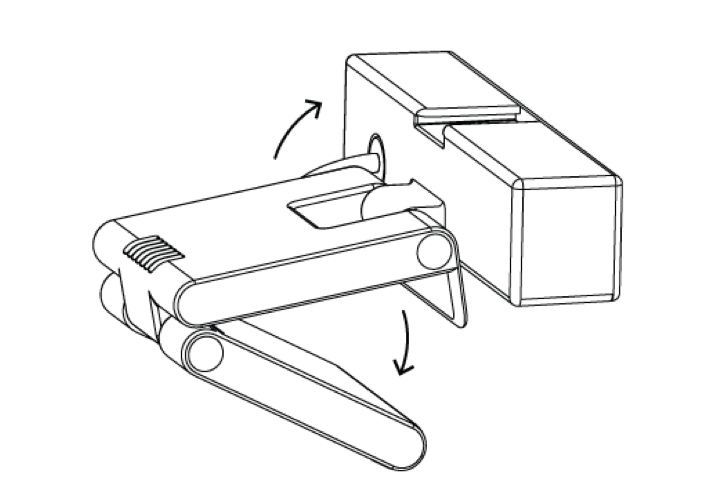
Adjust the hinge to fit your screen, swing the camera arm down, and select the camera in your video call app.

For the best video, use a neutral background and soft front-facing lighting.
Fine-tune settings with our iContact Control App.